
Operational AI Modes
Morph IDE empowers developers with three dedicated operational modes accessible directly from the mode selector dropdown in the AI sidebar. Each mode balances tool permissions, execution autonomy, and speed to match your exact engineering objective.
The Three Execution Modes
Whether you need a quick syntax answer, an architectural audit, or automated multi-file feature implementation, selecting the appropriate operational mode ensures maximum efficiency and safety:
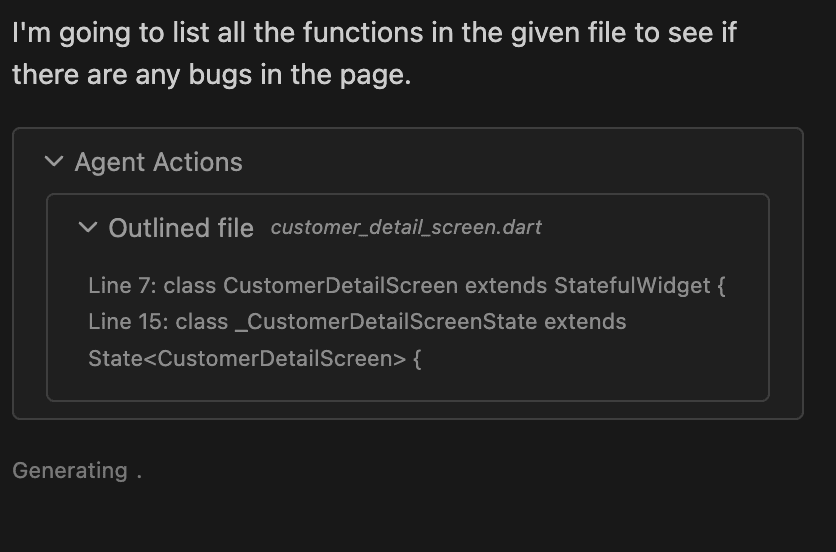
Normal mode acts as a rapid, lightweight conversational programming partner. It communicates directly with your chosen LLM using attached @-mentions and active conversation history without attempting to trigger background search tools or modify source buffers.
Gather mode is an autonomous investigatory researcher designed for deep codebase analysis and bug tracing. When asked exploratory questions, the AI autonomously executes high-speed ripgrep keyword scans and reads multiple source buffers to synthesize architectural reports with strict read-only enforcement.
Agent mode unlocks full autonomous development capability. Operating in a continuous self-correcting loop (up to 15 turns), the agent searches for target logic, plans necessary file refactoring, edits code via our streaming Fast Apply engine, and runs background headless terminal builds to verify tests.
When to Use Each Mode
Choose Normal When:
You want immediate syntax reminders, conceptual debugging help, or boilerplate algorithm suggestions without waiting for repository search scanners.
Choose Gather When:
You are navigating unfamiliar legacy codebases, auditing cross-module dependencies, or searching for bug origins and require deep exploration without file alteration risk.
Choose Agent When:
You are ready to implement actual code changes across multiple buffers, execute terminal test runners, and let an autonomous loop test and verify its own implementations.